Blog
10 Ways to Run Ads Online Free in 2026
Published August 8, 2026
Want to advertise online with a $0 budget and still reach people who are ready to buy? The answer isn't “post everywhere and hope.” The key is knowing which free channels can create demand, which ones only create noise, and when free visibility stops being enough.
For ecommerce owners, the best ads online free strategy usually combines product listings, local discovery, and community-facing platforms. That matters because digital ads now sit at massive scale, with worldwide digital ad revenue at $694 billion and global digital ad spending reaching $526 billion by the end of 2024 after $485 billion in 2023. WordStream also estimates that 62% of advertising in the past year was online, which means competition has shifted into search, social, and marketplace inventory rather than traditional media alone. Statista's overview of internet advertising worldwide and WordStream's advertising statistics make the scale clear.
The practical move is to pick free placements that match your business model, then tighten the listing, the catalog, and the offer until they work together. For new sellers, that usually means starting with the channels that can expose products at the point of intent, not the channels that only broadcast a post into the void.
Table of Contents
- 1. Google Merchant Center Free Product Listings Surfaces across Google
- 2. Microsoft Merchant Center Free Product Listings on Bing Shopping
- 3. Pinterest Shopping and Product Pins with Verified Merchant Program
- 4. Meta Shops Facebook and Instagram Shop
- 5. Facebook Marketplace
- 7. Nextdoor Business Page and Free Business Posts
- 7. Nextdoor Business Page and Free Business Posts
- 9. Apple Business Apple Business Connect Apple Maps Place Cards
- 9. Apple Business Apple Business Connect Apple Maps Place Cards
- 10. Craigslist Free Classifieds Selected Categories
- Free Online Ads, 10-Platform Comparison
- Your No-Cost Marketing Action Plan
1. Google Merchant Center Free Product Listings Surfaces across Google
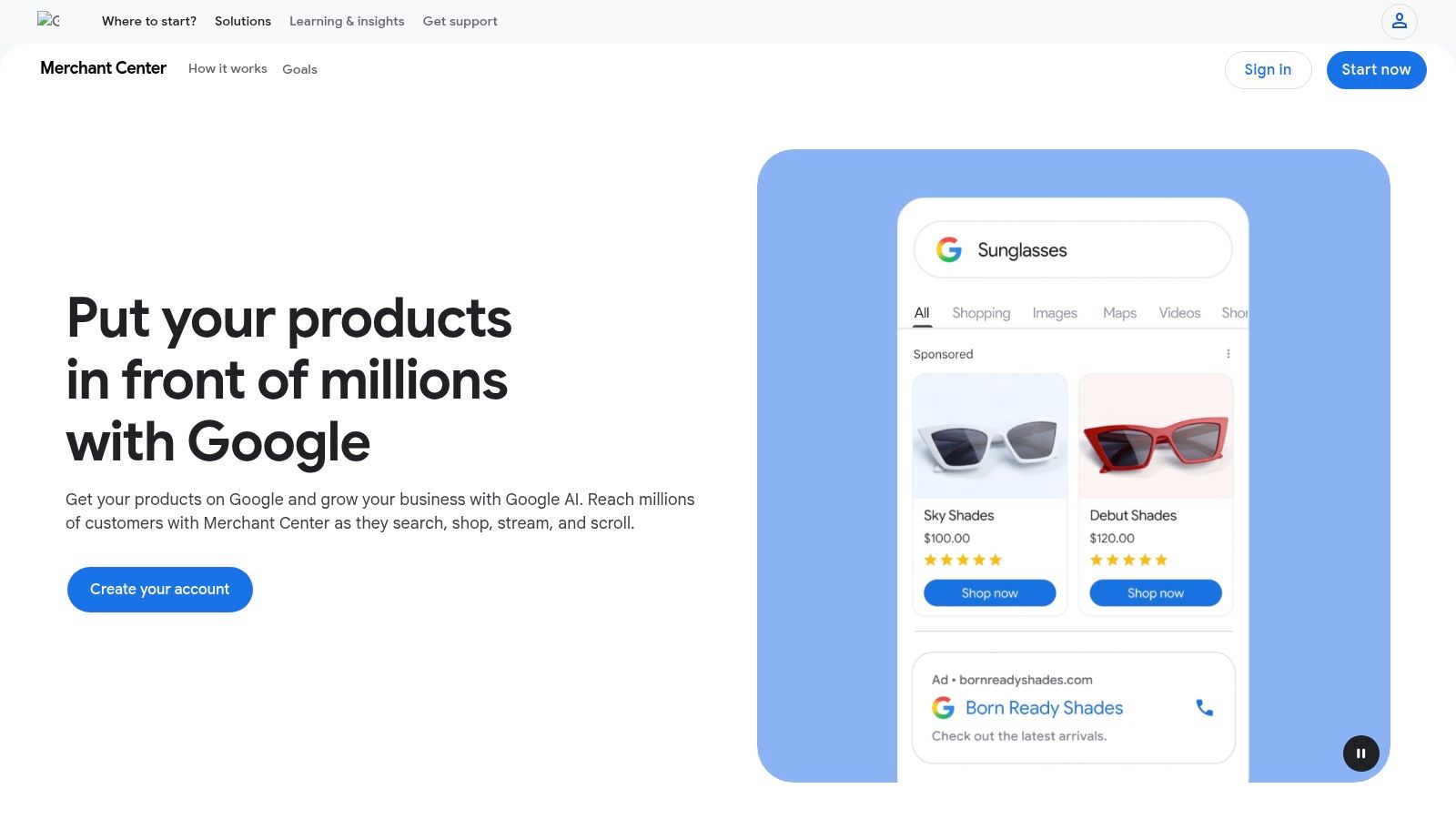
Google Merchant Center is often the cleanest place to start with free product visibility because one product feed can surface across several Google placements. Once your catalog is approved, eligible products can appear in Search, the Shopping tab, Images, Maps, and YouTube, which gives a store a practical way to show up where people already have intent.
Google Merchant Center works best when you treat the feed like a storefront, not a file dump. Product titles, images, prices, availability, and shipping details need to stay aligned, because feed quality affects whether products remain visible and whether the account stays healthy.
Practical rule: if your catalog is messy, fix the feed before you chase more traffic. Free listings still follow policy and data quality rules, and weak inputs usually lead to weak distribution.
For a new Shopify or WooCommerce store, this is usually the first channel worth setting up because it ties into search intent, not just social browsing. If you want a broader no-cost plan around this setup, compare free product listings with the local and marketplace options outlined in this guide to where to advertise a business for free.
Google also sets the standard for how much work “free” can still require. A healthy feed, clear variant structure, and accurate shipping details take time to maintain, and that effort is part of the cost of using no-cost distribution. If those basics are in place, the channel can deliver durable exposure without media spend. If they are not, free listings tend to produce inconsistent visibility and extra cleanup.
For a practical no-cost plan, start with products that already have clear demand, then keep the catalog tight before expanding into more placements. That approach pairs well with the rest of a free ads online plan, because it lets you use Google for intent-driven discovery while other free channels cover local reach, marketplaces, and repeat exposure.
What works and what doesn't
- Works well: Stores with clear SKUs, strong images, and stable pricing.
- Works well: Products people already search for by name or use case.
- Doesn't work well: Catalogs with broken variants, thin descriptions, or frequent policy issues.
- Doesn't work well: Brands that expect free listings to replace all paid acquisition.
The upside is durable exposure with no media spend. The trade-off is compliance, setup discipline, and the patience to keep the feed clean.
2. Microsoft Merchant Center Free Product Listings on Bing Shopping
Microsoft Merchant Center gives you a second product-feed path without rebuilding your catalog from scratch. If your Google feed is already organized, you can often import it and extend that work onto Bing Shopping with only light extra setup.
Microsoft Merchant Center adds another search channel to a no-cost plan. The audience is smaller than Google's, but that does not make it irrelevant. For some stores, especially those selling higher-consideration products or serving buyers who still browse on desktop, the extra free exposure can justify the setup time.
Bing also tends to be overlooked because it does not feel as busy as Google. That view misses the value of incremental traffic when every click has to be earned. If your feed is already built and your margins are thin, a second free surface can matter.
The trade-off is straightforward. Bing's reach is narrower, and its reporting can feel less expansive than what many sellers expect from Google's ecosystem. That makes Microsoft Merchant Center a secondary channel, not a replacement. If your Google feed is healthy, though, it is one of the lowest-friction ways to extend the same product data into another search environment.
Pinterest, marketplaces, and local listings all play a different role in a no-cost plan. Microsoft Merchant Center sits closer to intent-based discovery, so it works best when the catalog is clean and the products already have clear search demand. If you are comparing it with your broader free ads online plan, start with the channels that fit your current inventory and the time you can spend maintaining them. For a practical next step, review Meta ads best practices before deciding whether your product data is ready for paid follow-up.
Best fit and limitations
- Best fit: Brands already using Google Merchant Center.
- Best fit: Stores with desktop-friendly buyers or B2B-adjacent products.
- Limitations: Smaller audience and less discovery volume than Google.
- Limitations: You still need clean product data and policy compliance.
The right mindset is additive. Use Bing as a free extension of work you have already done, and treat the setup as worthwhile only if you can keep the feed accurate.
3. Pinterest Shopping and Product Pins with Verified Merchant Program
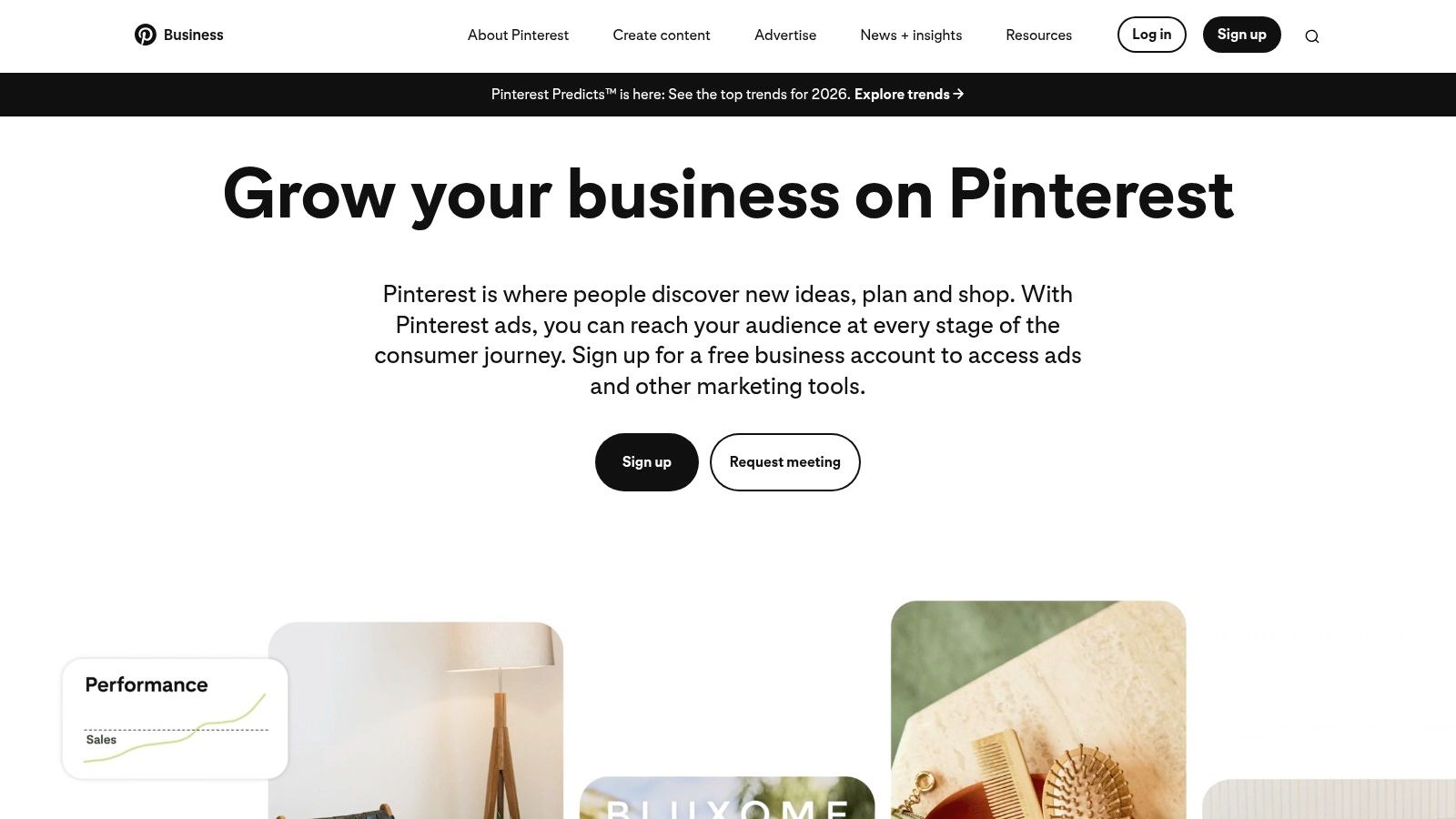
Pinterest works differently from search engines and marketplaces. People use it to collect ideas, compare visual styles, and save products for later. That makes Pinterest Business a practical free channel for products that benefit from styling, aspiration, and repeat discovery.
A catalog upload can generate shoppable Product Pins. The optional Verified Merchant Program adds a merchant badge and broader brand signals for eligible accounts, but the core benefit stays the same, free product surfacing inside a visual discovery feed.
Home, beauty, apparel, gifting, and lifestyle products usually fit this channel well. It is a weaker match for products that are hard to visualize or for brands with thin creative. Pinterest rewards consistency, clean images, and a clear product story more than loud selling.
A strong Pinterest catalog is closer to a mini lookbook than a sales sheet. If every image looks interchangeable, users won't stop long enough to click.
The trade-off is effort. You need assets that look polished, and you need a catalog organized well enough for product pins to feel native. Once the feed is live, though, Pinterest can keep sending product discovery traffic without a media bill attached. That makes it useful for brands that can maintain creative quality and wait for slower, steady results rather than immediate response.
Use it when your product is visual
- Strong fit: Apparel, home decor, skincare, kitchen items, gifts.
- Strong fit: Products with strong aesthetic positioning or lifestyle use.
- Weak fit: Commoditized items with no visual story.
- Weak fit: Brands that rely only on text-heavy selling.
A useful way to judge the channel is to ask whether the product can earn a save before it earns a click. If the answer is yes, Pinterest can fit a broader ads online free plan that combines discovery surfaces with low-cost catalog maintenance. For a practical follow-up, review Meta ads best practices before deciding how much of your creative system can later support paid distribution.
4. Meta Shops Facebook and Instagram Shop
Meta Shops gives you a free storefront layer across Facebook and Instagram, powered by your product catalog. Products can surface through profile shop tabs and organic product tags in posts, reels, and live content, so your distribution can happen inside normal social behavior instead of only through paid placements.
Meta Commerce Manager is the setup hub, and it matters because it centralizes your catalog. That makes it easier to tag products consistently and keep Facebook and Instagram aligned. If you already publish content, this setup can turn posts into shoppable touchpoints without adding ad spend.
The biggest upside is native shopping behavior. People don't have to leave the app to understand what you sell, and creators can tag products in ways that feel natural. The biggest limitation is eligibility. Commerce rules and supported-country requirements apply, and if you use checkout inside Facebook or Instagram, transaction fees can still come into play.
If you want to sharpen the organic side of the system, it helps to study how Meta creatives and product narratives are usually structured. A practical reference is this Meta ads best practices guide, even if you're not spending a dollar yet.
What to do first
- Load a clean catalog: Start with your best sellers, not your entire backend.
- Tag products in real content: Use posts, reels, and live video.
- Match visuals to your audience: Lifestyle clips beat sterile catalog screenshots.
- Check eligibility early: Don't build around features your country or account can't use.
Meta Shops won't replace a paid campaign when you need volume fast. It can, however, turn existing content into a free sales surface with very little incremental cost.
5. Facebook Marketplace
Facebook Marketplace is one of the simplest free places to test demand locally. Listings are easy to create, they show up in a browsing environment people already use for buying, and they work well for local pickup, liquidation, and straightforward product testing.
Facebook Marketplace is especially useful when you need fast feedback. If a listing gets attention, you learn something about price, demand, and offer clarity quickly. If it gets ignored, you also learn something useful without paying for a bad click campaign.
The platform is not pretty, and that's part of the appeal. It's functional. Buyers can search, browse categories, and in some cases complete shipped orders. Sellers can mark items as free, pending, or sold, which makes it easy to move inventory or test a simple offer.
The downside is buyer quality. Scam attempts, lowball messages, and flaky inquiries are common enough that you need a thick skin and a strict process. Brand control is also limited, so this is not where you build a polished premium experience.
Marketplace works best when the product is easy to understand in one glance and easy to hand off locally.
Use it for items that benefit from speed and proximity. If you sell furniture, home goods, local services, or products that can be picked up the same day, Marketplace can create no-fee sales without needing a campaign manager. If you sell nationally and need a strong brand environment, it's more of a testing channel than a long-term storefront.
7. Nextdoor Business Page and Free Business Posts
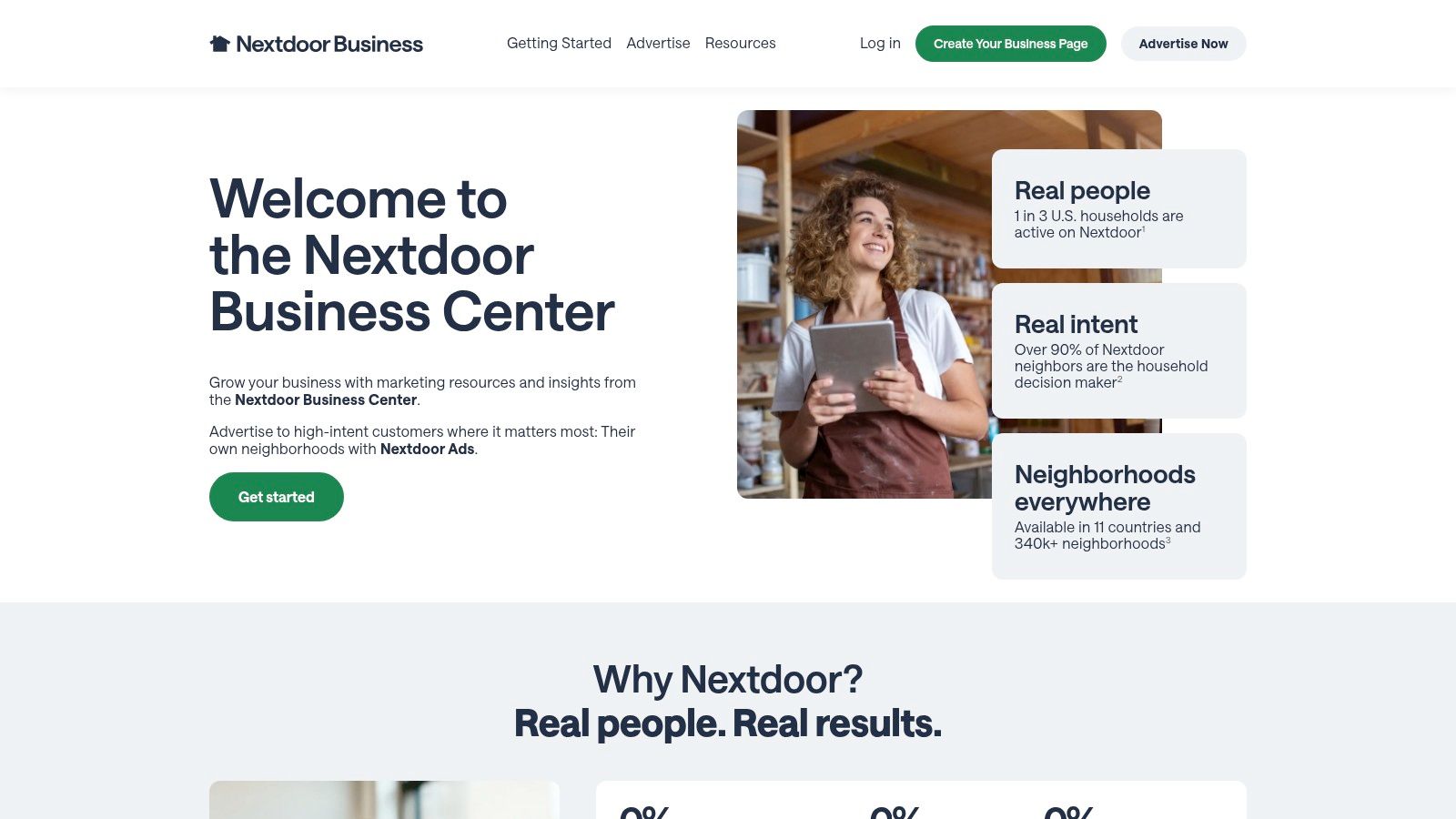
Nextdoor works best when your business has a real local angle. A free business page lets you appear in neighborhood conversations, and business posts can surface offers, updates, and community-focused content to nearby households.
Nextdoor Business fits local pickup, service-area businesses, pop-ups, and region-specific promotions better than a broad ecommerce push. If your customers live close by or rely on neighborhood recommendations, it can generate more relevant attention than a generic social post.
The main strength of Nextdoor is trust. People use it to ask neighbors for recommendations and to check whether a local business is real, responsive, and nearby. That makes it useful for businesses that depend on credibility in a specific area rather than broad reach.
There is a clear limit, though. If you run an online-only store with no local service footprint, this will probably stay secondary. Reach also depends heavily on neighborhood activity, so the channel works better in communities where people already post, reply, and look for local businesses.
Use Nextdoor when proximity matters
- Best fit: Service-area businesses, local deliveries, and pickup-based offers.
- Best fit: Businesses that can answer quickly and show up consistently in neighborhood discussions.
- Best fit: Local promotions that need trust more than scale.
- Harder fit: Online-only stores without a local presence.
- Harder fit: Brands that need large, predictable volume from a single channel.
Treat Nextdoor as one part of a no-cost local plan, not a standalone growth engine. It works best alongside free listings, local directories, and marketplaces that all point to the same offer. That combination gives a new business more chances to be found without paying for clicks, while also making it easier to judge when organic reach is no longer enough and a first paid campaign is worth testing.
7. Nextdoor Business Page and Free Business Posts
Nextdoor works best when your business has a local angle. A free business page lets you appear in neighborhood conversations, and business posts can help you reach nearby households with offers, updates, and community-facing content.
Nextdoor Business fits service-area businesses, local pickup, pop-ups, and region-specific promotions better than general ecommerce. If your customers live close by or rely on neighborhood recommendations, it can bring in more relevant attention than a broad social post.
Trust is the main advantage. People use Nextdoor to ask neighbors for recommendations and to check whether a local business is real, responsive, and nearby. That makes it useful for businesses that depend on local credibility more than mass reach.
There is a clear limit. If you run an online-only store with no local service footprint, this will probably stay secondary. Reach also depends heavily on neighborhood activity, so the channel works better in communities where people already post, reply, and look for local businesses.
The practical move is to treat Nextdoor as one layer in a broader no-cost plan. Use it alongside free product listings, local directories, and marketplaces so your offer appears in more than one place without paying for clicks. That mix also helps you judge whether organic attention is enough or whether you should test your first paid campaign.
Use Nextdoor when proximity matters
- Best fit: Service-area businesses, local deliveries, and pickup-based offers.
- Best fit: Businesses that can answer quickly and stay active in neighborhood discussions.
- Best fit: Local promotions that need trust more than scale.
- Harder fit: Online-only stores without a local presence.
- Harder fit: Brands that need large, predictable volume from a single channel.
If your business depends on neighborhood trust, Nextdoor is a useful free layer. If you need reach beyond a local area, keep it in the mix, but do not rely on it as your main growth channel.
9. Apple Business Apple Business Connect Apple Maps Place Cards
Apple Business Connect gives you a free way to control how your business appears across Apple surfaces like Maps and Siri. For physical stores and service-area businesses, that can be a useful no-cost layer for local visibility inside the Apple ecosystem.
Apple Business Connect lets you manage business info, photos, actions, and time-based showcases. That matters because the listing is not static. You can refresh offers or event details and keep the place card current without buying media.
The fit is strongest for businesses that serve local customers or work within a defined area. It has less value for online-only sellers, and Apple's paid local ads sit apart from the free listing tools, so the two should not be treated as the same thing.
Apple users often discover businesses through maps, directions, and a clean business card view. If your store, studio, clinic, or service area depends on local discovery, the setup time is usually worth it.
The limitation is audience fit. If you do not have a physical location or service territory, the channel will not do much. If you do, it gives you another free place to show up, and that helps when you are building a no-cost plan that combines listings, directories, and marketplaces instead of depending on a single source of traffic.
Make Apple Business Connect pay off
- Claim the listing early: Do not wait until every detail feels perfect.
- Keep details aligned: Match your website, directory listings, and hours.
- Use clear photos: Show the location, products, or service setting.
- Check the action buttons: Make it obvious what a customer should do next.
Apple Business Connect will not drive the same volume as larger search platforms, but it is a practical part of a zero-spend local presence. If your free channels start to bring steady attention but not enough leads, that is usually the point to test a first paid campaign instead of trying to force more out of the free listing alone.
9. Apple Business Apple Business Connect Apple Maps Place Cards
Apple Business Connect gives you a free way to manage how your business appears across Apple surfaces like Maps and Siri. For physical locations and service-area businesses, it is a practical no-cost layer for local visibility inside the Apple ecosystem.
Apple Business Connect lets you control business info, photos, actions, and time-bound showcases. That makes it more than a static listing. You can highlight offers or events and keep the place card current without paying for media.
The fit is strongest for businesses that serve local customers or operate in a defined area. Online-only sellers will get less value from it, and Apple's paid local ads sit in a separate layer from the free listing tools.
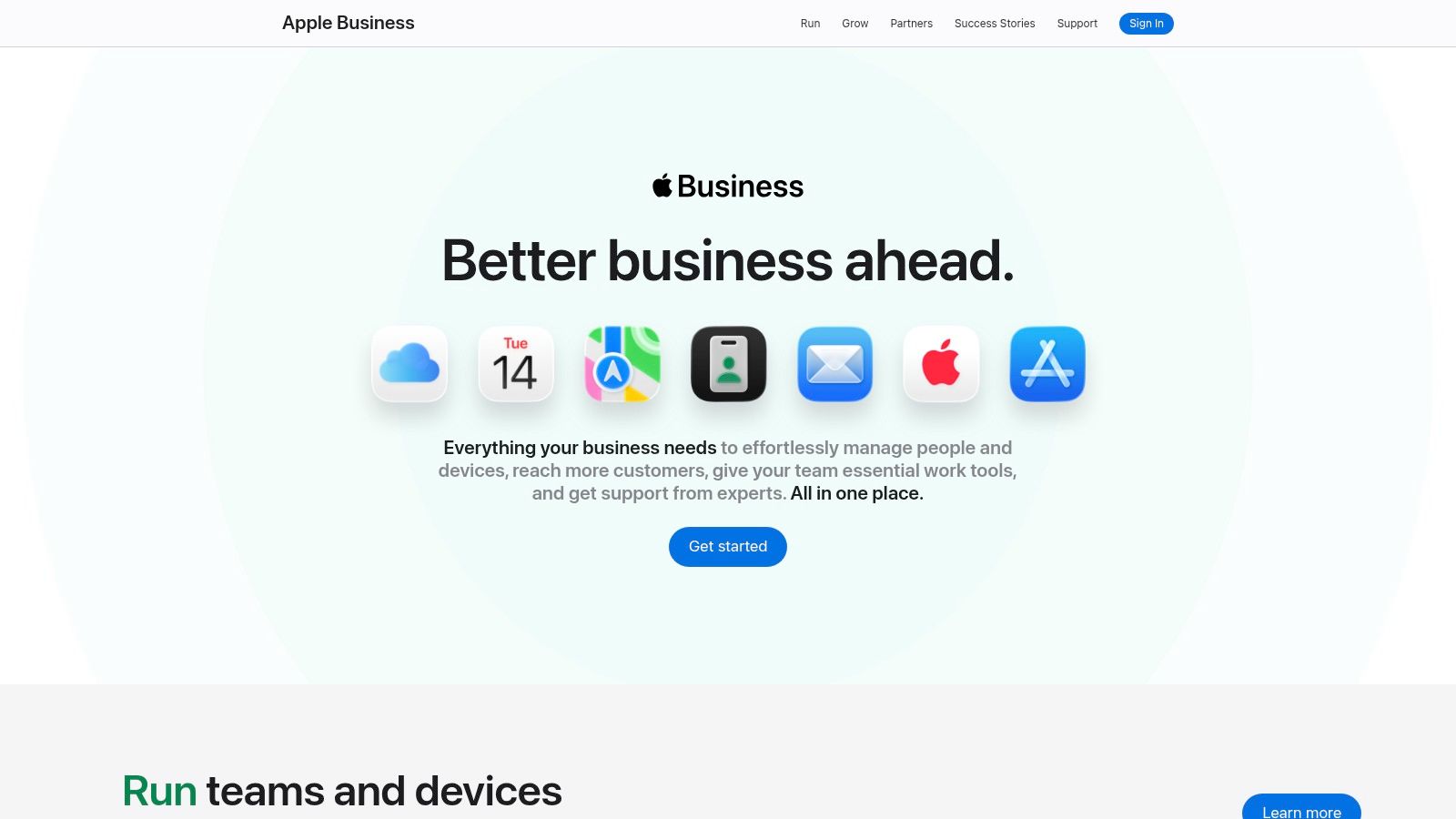
Apple users often discover businesses through maps, directions, and a clean business card view. If your store, studio, clinic, or service area depends on local discovery, the setup time is usually worth it.
The limitation is audience fit. If you do not have a physical location or service territory, the channel will not do much. If you do, it gives you another free place to show up, and that helps when you are building a no-cost plan that combines listings, directories, and marketplaces instead of relying on a single source of traffic.
Keep the place card tight
- Use accurate photos: Real images beat generic brand art.
- Keep the action simple: Make it clear how people can contact or visit you.
- Update seasonal offers: Showcases can support time-bound promotions.
- Treat it like a trust signal: People use Maps to decide whether to engage.
This is not a traffic hack. It is a presence layer that can help your business look complete where iPhone users search.
10. Craigslist Free Classifieds Selected Categories
Craigslist still has a place in a no-cost distribution plan because it's fast, localized, and simple. Many categories are free in many metros, which makes it useful for testing demand, liquidating products, and reaching utility-minded buyers.
Craigslist is not a brand-building platform. It's a direct-response classifieds channel. That's why it can work so well for certain offers, especially when the buyer cares more about function, price, and availability than polish.
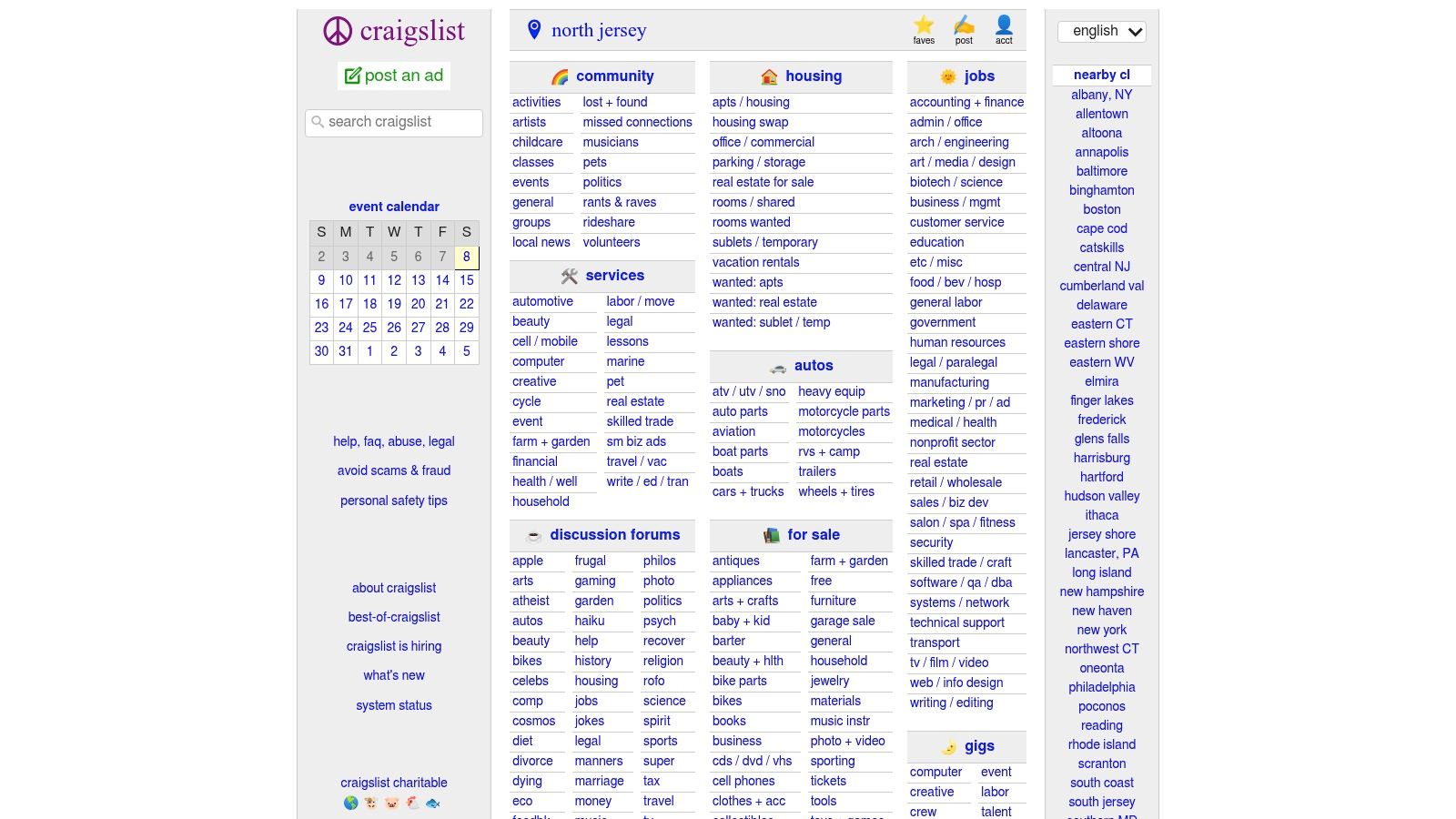
The upside is speed. You can post, test response, and adjust the offer without building a campaign structure. The downside is the same low-friction environment that makes posting easy also makes scams, spam, and low-quality inquiries more common.
That means you need tighter guardrails than you would on a polished marketplace. Keep your contact process clear, avoid oversharing, and expect less brand control than on your own site or social profile.
Craigslist is useful when the offer is obvious, the geography is tight, and the goal is a fast response, not a perfect customer journey.
When Craigslist still makes sense
- Works best: For Sale listings, services, gigs, and local liquidation.
- Works best: Quick demand checks before you invest in paid acquisition.
- Works poorly: Premium branding, complex products, or long consideration cycles.
- Works poorly: Teams that need advanced analytics or attribution.
Use it as a blunt instrument, not a core channel. For the right offer, that's enough.
Free Online Ads, 10-Platform Comparison
| Platform | Core features | 👥 Target | ★ UX / Reach | 💰 Cost & ✨ Standout |
|---|---|---|---|---|
| Google Merchant Center – Free Product Listings | Free listings across Search, Shopping, Images, Maps, YouTube; feed management & integrations | 👥 Online stores seeking high‑intent traffic | ★★★★★ | 💰 Free; ✨ Massive multi‑surface reach; 🏆 Best for scale |
| Microsoft Merchant Center – Free Product Listings on Bing Shopping | Free Bing Shopping listings; import from Google; policy controls | 👥 Sellers wanting extra desktop/search reach | ★★★★☆ | 💰 Free; ✨ Easy Google feed import; good incremental reach |
| Pinterest Shopping + Product Pins (VMP) | Organic Product Pins from catalog; Verified Merchant Program badge | 👥 Visual brands (home, beauty, apparel) | ★★★★☆ | 💰 Free (VMP free if eligible); ✨ Visual discovery & evergreen traffic |
| Meta Shops (Facebook & Instagram) | Unified catalog, shop pages, product tags in posts/reels/lives | 👥 Social-native brands & creators | ★★★★★ | 💰 Free setup (checkout fees optional); ✨ Native shopping & creator tagging; 🏆 Social commerce strength |
| Facebook Marketplace | Local listings, category browsing, optional shipped checkout | 👥 Local sellers & quick-sale listings | ★★★★☆ | 💰 Free for local pickups; ✨ Fast local exposure; simple listings |
| TikTok Shop (catalog + live commerce) | Native product cards, creator affiliates, live shopping | 👥 Trend/viral product sellers & creators | ★★★★★ | 💰 Free to list (referral fees may apply); ✨ High-velocity discovery & live commerce |
| Nextdoor Business Page + Free Business Posts | Local business profile, organic neighborhood posts, recommendations | 👥 Hyperlocal shops, service-area businesses | ★★★☆☆ | 💰 Free; ✨ Strong neighborhood trust & word‑of‑mouth |
| Bing Places for Business | Claimable Bing Maps/Search listing; sync with Google Business | 👥 Local businesses with physical presence | ★★★☆☆ | 💰 Free; ✨ Additional local map/search visibility |
| Apple Business (Apple Business Connect) | Place cards on Apple Maps/Siri; Showcases for offers/events | 👥 Physical/service businesses targeting iOS users | ★★★★☆ | 💰 Free; ✨ Polished iOS discovery + time‑bound Showcases |
| Craigslist – Free Classifieds | Localized categories (For Sale, Services, Gigs); quick listing flow | 👥 Local buyers, bargain hunters, quick sellers | ★★★☆☆ | 💰 Mostly free; ✨ Fast, high‑intent local exposure (low brand controls) |
Your No-Cost Marketing Action Plan
You now have 10 powerful, free channels to generate visibility and sales. The key is action. Pick two or three platforms from this list that best fit your business model, set them up this week, and start learning.
For most ecommerce owners, the best order is simple. Start with Google Merchant Center if you sell products, add Microsoft Merchant Center as a low-effort extension, and then choose one discovery channel like Pinterest, Meta Shops, or TikTok Shop depending on how visual your product is. If you sell locally or serve a nearby area, layer in Bing Places, Apple Business Connect, or Nextdoor so you're visible where people search on their phones.
The important part is not to confuse free with easy. Free channels still demand clean product data, decent creative, fast replies, and ongoing maintenance. A weak catalog, inconsistent photos, or a slow response time can erase the advantage of zero media cost very quickly.
There's also a real ceiling to free distribution. Organic and marketplace visibility can validate an offer, but they usually won't give you the speed or control you get from paid ads. That's why the smartest sequence is often free first, then paid once you've learned which product, angle, and audience move.
If you're trying to launch your first offer on a tight budget, Social Loop AI fits naturally into that next step. It helps first-time ecommerce owners turn a product URL into a Meta ads launch plan, pick angles, and generate brand-aware creatives, which makes the move from free testing to paid testing much easier to manage.
If you want a clearer path from free exposure to your first paid tests, visit Social Loop AI. It can help you turn a product page into a practical Meta launch plan, choose test angles, and build creatives that match your offer before you spend. That's useful when you've used free channels to validate demand and you're ready to scale with more control.